The first text after a showroom visit
Send the customer back to the sofa they chose, with the right quote and a question worth answering. Three short scripts keep the conversation moving.
The OrderPilot team·
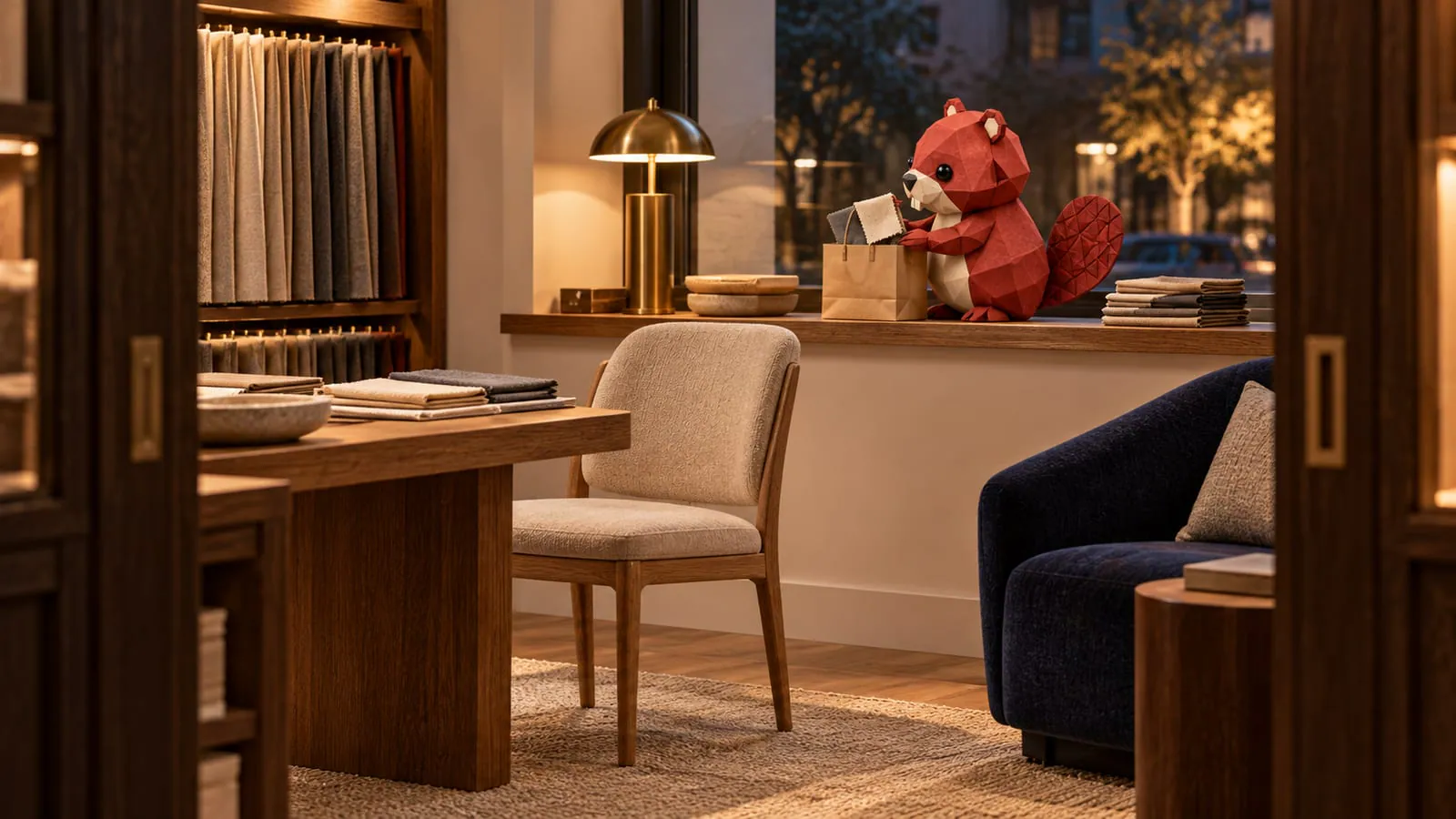
They left at 4:40 with three swatches in a paper bag. By 5:30, they're home, comparing your sofa with another store's website. Your first message should bring them straight back to the piece they chose, without making them reconstruct the afternoon.
Aim to send that message within the hour when it suits the customer's timing. Thank them, include the quote link, name the swatches, and ask one easy question. That's a working routine for your team, not a magic conversion deadline. The swatches have already done enough traveling for one day.
What belongs in the first message?
A useful showroom follow-up text gives the customer a reason to open the quote. Keep your draft under about 300 characters before adding the link; that's an editorial target, not a messaging limit.
- Thank the customer personally and identify yourself.
- Add the link to the quote you built together.
- Name the fabric or finish they're considering.
- Ask the next question that will help them decide.
Use the customer's name and your own in the actual message. The scripts below leave names out so nobody mistakes an invented customer for a real one. Add the actual quote link after the message, then trim anything that merely repeats the document.
The wider be-back playbook explains what happens after this first contact. This message has a smaller job: make the next conversation easy.
Which script fits the decision they took home?
Match the question to the customer's unfinished decision. These examples are copy-ready starting points for your store's own messaging channel, with the actual name, signature, and quote link added when you send.
They're discussing it with a partner:
Thanks for visiting. Your sofa quote is ready, with the oatmeal linen and slate velvet we compared. What would help you both decide? I'm happy to answer your partner's questions.
They're measuring the room:
Thanks for coming in. I've sent your sofa quote with the oatmeal linen and walnut legs. Could you send the doorway width when you've measured? We'll help you check the route into the room.
They're weighing the price:
Thanks for visiting. Your quote includes the sofa in slate velvet and the delivery service we discussed. Would it help if I explained what's included in delivery?
Give the measuring customer your store's measuring guide as well. A doorway width starts the conversation; it doesn't settle turns, stairs, packaging, or access. Give the price-hesitant customer a useful explanation before offering a discount they haven't requested.
Which number should the message come from?
Use a store-managed number so a reply can be covered when you're away. A personal phone can leave the customer waiting for someone who isn't working and leave the next associate without the conversation.
Agree the channel during the visit. If the customer gives an email address but no mobile number, send the quote by email and ask the same useful question there. You can also offer the showroom QR handoff before they leave.
A Sunday visit doesn't automatically mean a Sunday-evening text is welcome. Ask when they'd like the quote, honor their preference, and otherwise use a reasonable daytime window. The separate texting consent guide covers consent; text versus email helps choose the channel.
How does OrderPilot carry the quote home?
OrderPilot keeps the configured piece and its price together, then lets staff send a quote email from the order. With the customer portal enabled, the customer can review the quote on their phone. The email can carry your personal question, and salesperson copying helps the conversation reach the associate involved.
OrderPilot's status texts use fixed messages, so the scripts above belong in your store's separate messaging channel or a personal email, rather than an editable OrderPilot text. Where SMS is enabled, the chosen status can send its ready-made text. Quote emails can also send on creation when both the store-wide email setting and that status's creation notification are enabled.
What if the answer has to wait until Monday?
Acknowledge the question and give a specific return time: “I'll confirm the leg finish with our buyer Monday morning and get back to you that afternoon.” Put the question with the quote and assign someone to answer it.
Avoid a wall of text, a hard-to-open attachment, or “just checking in.” Each asks the customer to do work without giving them much back. Once the first message is sent, use the furniture quote follow-up plan to decide what deserves the next contact.
Ask the question that helps the customer decide, not the question that helps you chase.













