Returns that go back on the shelf: restoring the right cost
A returned chair needs its quantity and its original allocated cost restored. Keep the refund, restock decision, and accounting reversal connected.
The OrderPilot team·
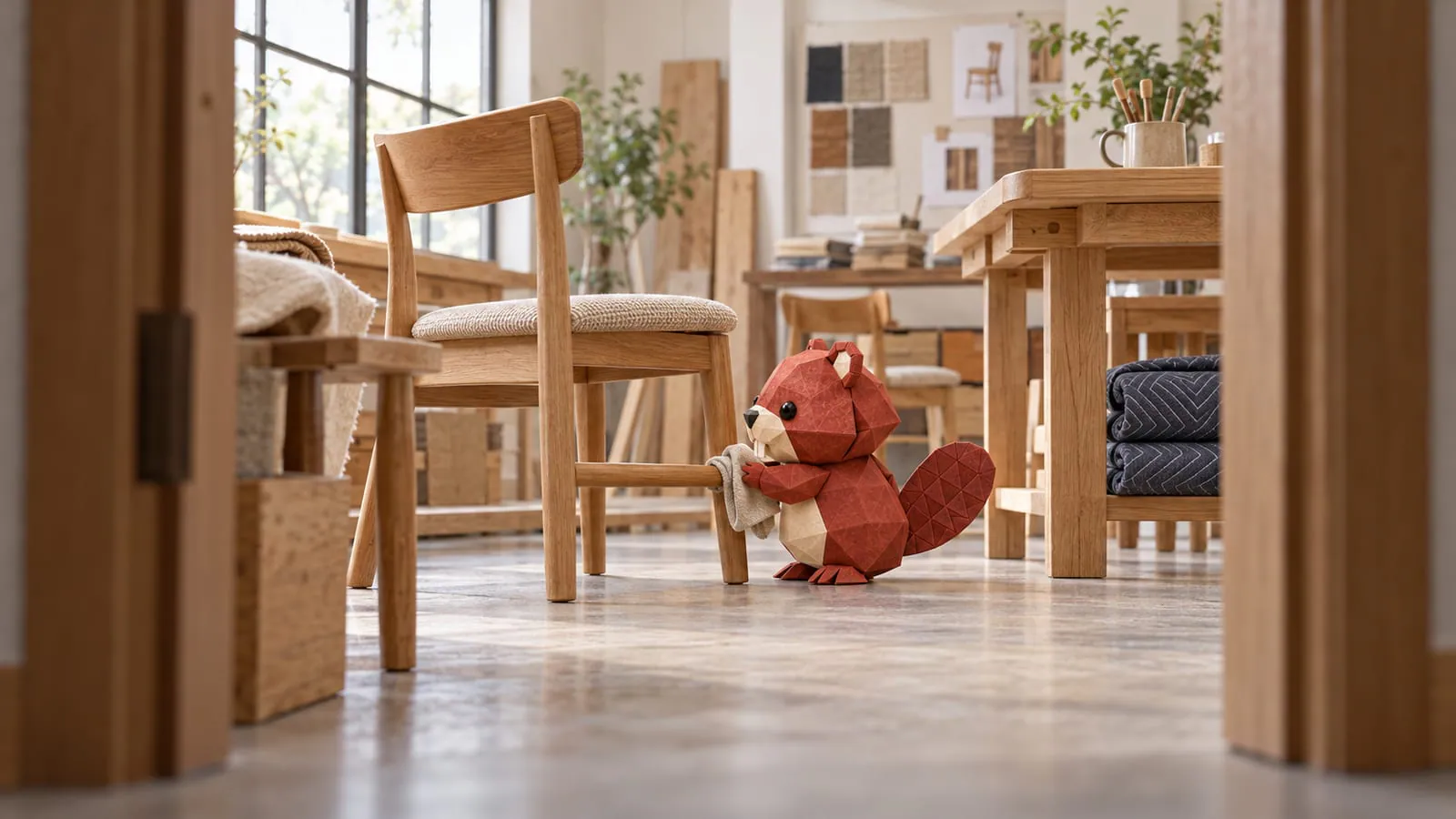
The oak side chair comes back within the store's return window, passes inspection, and heads for the floor again. The chair has completed a short tour of someone else's dining room. Its cost should complete the same round trip.
A restocked return should restore the cost allocated when the unit left stock. Bringing it back at today's replacement cost can distort inventory and cost of goods sold. In OrderPilot, a supported Shopify restock restores the allocated cost; a connected QuickBooks cost-of-goods flow reverses the related cost where appropriate.
Restore the cost that left with the chair
Say lot A of a chair landed at $300 per unit and lot B at $340. Under FIFO, the sold chair drew $300 from lot A. This is an illustrative example. When that chair returns to sellable stock, restoring $340 would introduce a $40 difference that the original sale never consumed.
The original allocation is therefore the useful reference, not the current vendor price or a blended cost guessed from the product screen. The costing-method guide explains how FIFO, LIFO, and weighted average produce their respective allocations. Whichever method the store uses, a return needs to follow the cost already assigned to the sale.
Shopify's profit-report documentation says product profit reporting depends on the cost recorded at sale, and explains that refunds affect reported margins. That makes accurate cost history useful beyond the stock quantity. A correct refund amount does not prove the inventory value is also correct.
Decide what condition actually came back
Inspection determines whether the piece can return to sellable stock. Look at the frame, joints, finish, upholstery, hardware, and packaging as appropriate to the item. Match the returned configuration to the original sale. A similar oak chair from another collection is not the same inventory unit.
| Returned condition | Practical next step |
|---|---|
| Sellable in its original condition | Restock the correct item at the actual location |
| Sellable only as a disclosed floor-quality piece | Record condition and obtain approval for its resale treatment |
| Needs repair or vendor review | Keep it out of available stock while the decision is made |
| Cannot be resold | Record the disposition and route the cost treatment for review |
An original cost restoration does not certify that a used piece is worth the same amount today. If the returned chair has floor-model wear, preserve its identity and original cost trail, then handle any approved valuation adjustment separately. Do not silently change the original receipt to make the returned condition disappear.
The custom-furniture return-policy guide covers whether a return is accepted. The restocking-fee guide covers that separate charge. Neither the acceptance decision nor a fee should be confused with whether the physical unit is fit to go back on the shelf.
Process the return in Shopify and follow it into OrderPilot
Use Shopify Admin or Shopify POS for item returns, card refunds, and restocking. A refund line with restocking, or a supported return recorded as restocked, supplies the event OrderPilot uses to restore the units and their allocated cost. The flow covers OrderPilot orders and supported Shopify-native online and POS orders.
OrderPilot's own cash-refund action returns money without restocking goods. Use the item-return flow when furniture is physically coming back, and make the restock decision explicit. A goodwill refund for a chair that remains in the customer's dining room should not put another chair into the warehouse count. After the return, compare the restocked quantity, location, and restored cost with the original allocation. A current weighted-average card may summarize several lots; use the supporting cost history when reconciling a particular unit. Investigate a missing return event rather than adding a second manual stock increase.
Review the accounting and commission consequences
With QuickBooks connected and Cost of goods enabled, the next posting reverses the related cost for the supported restock. Reconcile that posting with the original sale's cost and the returned quantity. The QuickBooks setup guide explains the connection and mapping that support the flow. Commission treatment follows the store's refund rule. OrderPilot can take commission back or show the refund for review, according to the configured policy, and refunds appear in commission reporting. Check the reported result before closing the period; a stock restoration is not, by itself, a commission decision.
Give the returns desk a compact closing check: restock only the pieces approved for resale, then confirm that both quantity and allocated cost came back. For the broader cost trail from receipt to resale, continue with the landed-cost guide.
Sources
- Profit reports — Shopify Help Center.
The returned unit should bring back the cost that left with it.













