Saved designs customers can share
Let customers send the actual furniture choices to a partner or client, then turn the settled design into a quote request.
The OrderPilot team·
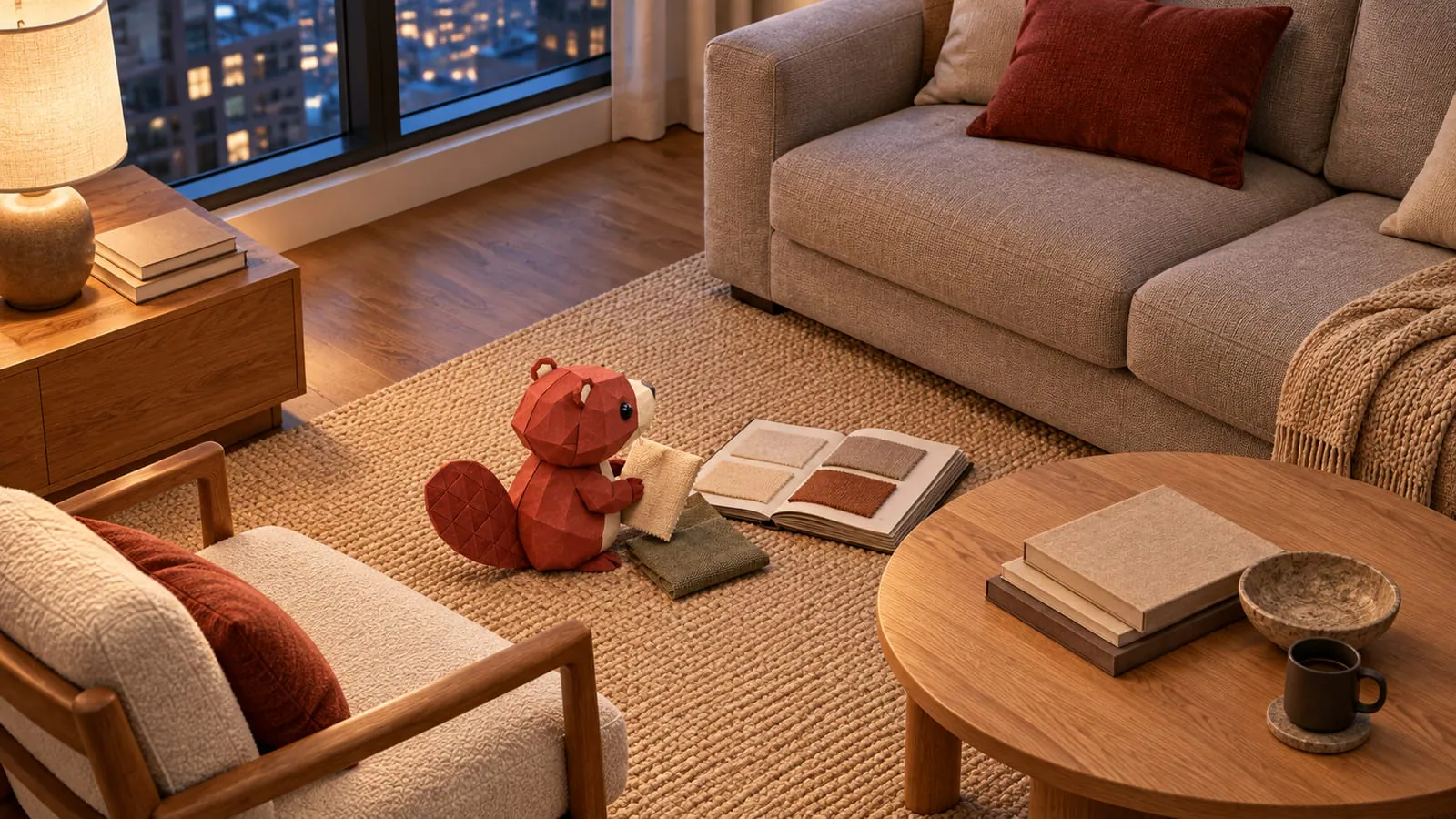
“Let me send it to my husband.” The customer takes a screenshot of the sofa, cropping off the fabric name in the process. The partner receives a picture of a comfortable shape and a mystery shade of gray.
A saved design in OrderPilot is a shareable link that reopens the product with the customer's selected choices. It gives a second person something more useful than the screenshot, then leaves the customer a clear route to request a quote when the choices are ready.
What does the design link preserve?
The design link carries the configuration choices so the product can reopen with them selected. The customer does not need an account just to create and share that link.
Keep the distinction between choices and an offer clear. Reopening the link checks the choices against the template and uses current pricing. It is a way to return to a design, not a frozen price commitment.
Say the example customer chooses the Madison sofa in an oatmeal fabric with walnut legs. They copy the link and send it to a partner, who can inspect those named choices on the product page. The second conversation can begin with “walnut or oak?” instead of “which sofa was this?” The online-selling mode guide explains how that exploration fits beside a quote request.
Where does sharing help the furniture decision?
Sharing helps when another person needs to see the same specification. A couple can discuss the design at home, and a designer can send a proposed choice to a client.
An associate can also suggest that a customer keep separate links while comparing materials. Each link gives the discussion a defined starting point. The customer can open the alternatives and see which choices differ without relying on memory.
For a designer, describe the link as a design proposal rather than an approved order. The client still needs to settle the choice and receive the store's actual quote. Use the couples-at-home guide for the conversation around that second opinion.
Does the store know someone opened the link?
No. Sharing or opening the design link does not create a lead or an opening notification for the store. The store hears about the design when the customer sends a request or brings the link into a conversation.
Make that next step easy to find. Place the quote invitation near the sharing action, and explain what the customer will receive after submitting. A share link supports the decision; the quote request starts the staff handoff.
Two lines of example page copy are:
Send these choices to someone you're choosing with. Ready for a quote? Send us your design and our team will review the details with you.
Use the quote-form guide to keep that handoff short and purposeful.
Is a shared design the same as a quote?
A shared design is not a quote. It carries product choices; a quote is the store's prepared offer, with the specification, price, charges, and terms the customer is being asked to review.
The distinction matters when the catalog changes. If a fabric price changes after the customer copied the design, reopening the link uses current pricing. A saved OrderPilot quote retains its stored prices instead.
If a choice has been retired, the reopened design is checked against the current template. Staff should help the customer settle a supported choice before turning it into an offer. Don't describe the link as a permanent snapshot of a discontinued catalog.
Can the customer sign or pay from the shared link?
The design link reopens the product page; it isn't a signing or payment link. After the customer submits the design, staff can prepare the quote and send the appropriate review, signing, or payment route. The customer portal is the place to review and act on the prepared quote or order. Keep the page labels distinct so the customer knows whether they are sharing a possibility or approving a purchase.
Where should staff mention design sharing?
Mention sharing where the customer is already deciding: beside the product choices, in a relevant follow-up email, and during the showroom conversation. The associate can explain how to bring the selected design back to the team.
If a quote already exists, keep any later design discussion tied to that quote rather than silently creating a competing specification. Review the requested changes before issuing a revised offer.
Use the “I'll be back” playbook to make the follow-up about the customer's next decision. A good shared link gives them something specific to return with.
Share the choices, then ask the store to prepare the offer.













