From design board to signed order: a multi-room plan without starting over
Keep room choices, revisions, and approvals tied to the purchase being made. Use clear references and separate phases so the team can tell what is ready to order.
The OrderPilot team·
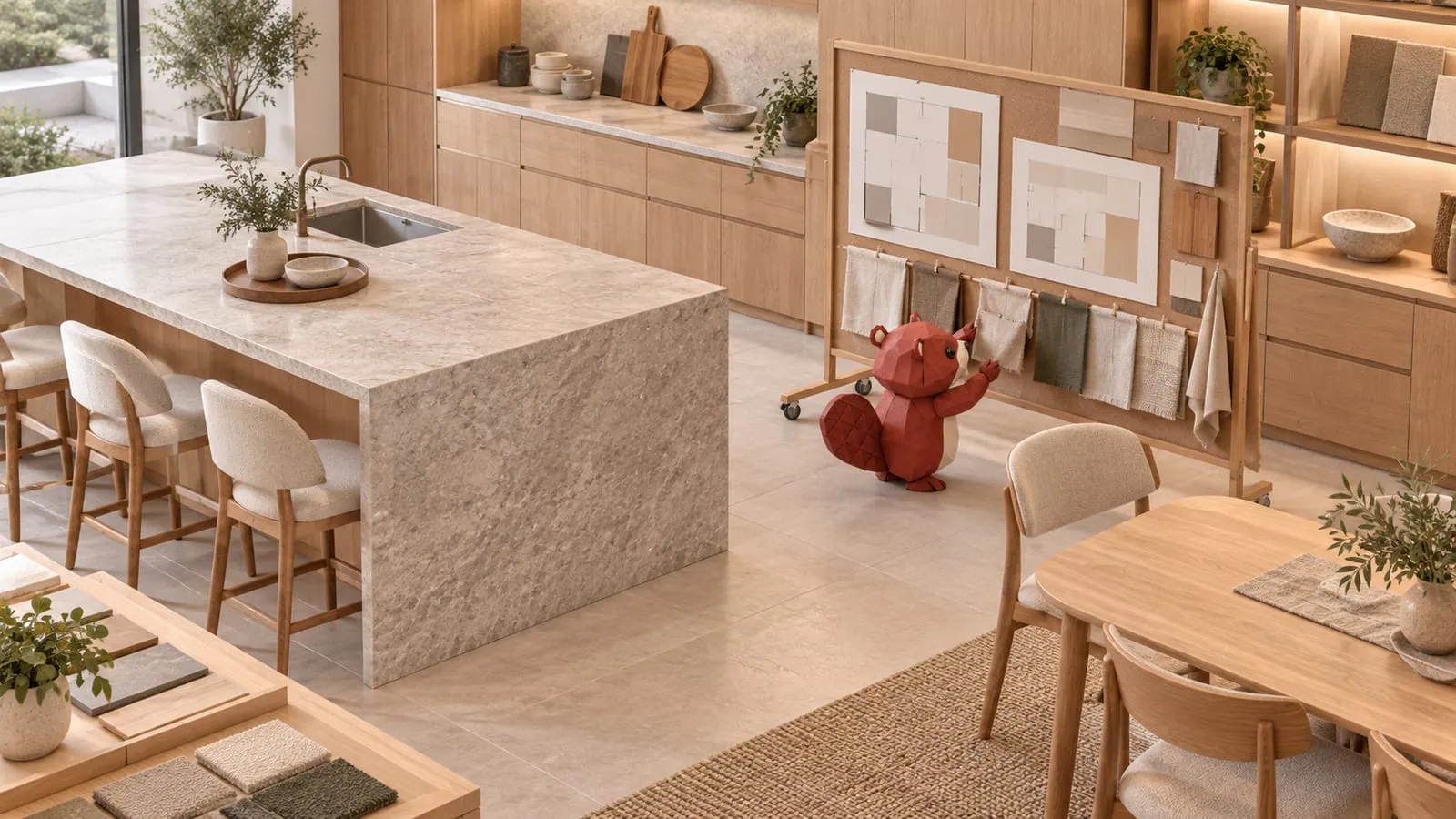
In a familiar project scenario, version seven of the living room is on the designer’s laptop, version five of the dining room is buried in an email, and the customer signed version four of the bedroom before changing the nightstands. Everyone remembers a convincing plan. They may not remember the same one.
A multi-room purchase needs a clear current quote and an explicit boundary around each approval. Use one quote when the customer is committing to the whole purchase, or separate quotes for phases that will be approved independently. Carry room descriptions, revisions, signatures, and purchasing decisions with those records.
Choose the quote structure around the commitment
The useful dividing line is what the customer is ready to buy together. If every room is being approved as one purchase, a combined quote can keep the full selection and total visible. If the living room is ready but the bedroom is still being designed, separate phases give each agreement a clear scope.
Do not place an entire design proposal just because the customer has approved one part of it. A signed order should describe the purchase they accepted. When future choices are still open, keep them in their own quote rather than assuming that an internal note excludes them from the agreement.
| Situation | Useful structure | What it clarifies |
|---|---|---|
| Entire project approved together | One quote with room descriptions on the lines. | The full commitment, total, and shared terms. |
| Rooms approved at different times | Separate quotes with a common project reference and phase name. | Which purchase is ready and which remains a proposal. |
| Alternatives under discussion | Clearly identified comparison versions or options before approval. | Which choice becomes the final purchase. |
For trade-specific projects, the designer project-ordering guide adds the professional purchasing relationship. The retail design team needs the same basic clarity about the customer’s actual commitment.
Give every phase a reference the team can find
Use a consistent project reference such as “Lake house · Living” and “Lake house · Bedroom.” When enabled, OrderPilot places the reference beside the quote or order number and makes it searchable. These references help staff find related records; they do not create an automatic parent project or combine separate balances. OrderPilot uses line descriptions and references rather than dedicated room sections. Put the room at the start of each useful description, then identify the piece and its purpose. “Living · swivel chair by window” is easier to place than “additional chair,” particularly when the dining room also contains upholstered chairs.
Use exact product selections for the specifications. Room descriptions explain where the furniture belongs; they do not replace fabric codes, dimensions, finish, or quantity. Keep design-service lines distinct from physical products so purchasing and delivery can see what they need to handle.
Keep the design board and the quote aligned
The board explains how the room will look. The quote explains what the customer will buy. Review them together whenever the plan changes, especially when a rendering includes accessories that are not in the purchase or a photograph shows a different finish.
Business of Home’s reporting on trade programs describes the value of accurate pricing, inventory, and lead-time information for designers. For a retail design project, that supports a practical habit: check the commercial details when revising the selection, rather than assuming the board establishes them.
Record the current vendor information and communicate the expected timing. A product may still appear on a beautiful board after its fabric has become unavailable. The board has excellent manners; it will not interrupt the meeting to tell you that.
Send a revision that identifies the change
Revise the quote itself when the customer chooses different furniture or options. Then send an updated quote explaining what changed and what the customer still needs to decide. Keep the previous discussion in the record so another associate can understand the reason for the revision.
For an illustrative project, the living room stays unchanged while the bedroom nightstands move from oak to walnut. The revised message should name the nightstands, finish, price effect, and any timing difference. “Updated as discussed” leaves the customer to compare documents line by line. Use the revised-quote guide to make the comparison clear. A new attachment without a clear explanation can create another version to reconcile instead of closing the decision.
Let the customer review the actual lines
In the customer portal, questions can be pinned to an item and changes requested against the choices under discussion. A customer can mark an item Looks good while asking about a neighboring piece. Those review signals help the team resolve the open points; they are not a substitute for signing the final agreement. Staff review and apply or decline requests. A requested finish does not silently replace the sold one. Answer the question, update the quote if agreed, and let the customer review the resulting version. Open review issues can hold signing until they are resolved.
The pinned-question guide is especially useful when similar pieces appear in several rooms. “Can this be darker?” has a much better chance of being answered correctly when it is attached to the intended nightstand.
Re-sign when the customer-facing agreement changes
A customer-visible change to a signed quote or order invalidates the signature and asks for a new one. Changing the bedroom nightstand therefore needs more than a friendly email if it alters the agreed item or configuration. The earlier signed copy remains available as part of the record. Separate phases keep that approval boundary understandable. If the bedroom is on its own quote, the living-room agreement remains its own purchase. If the rooms share one signed record, explain that the updated record is the version being signed again. Do not imply a room-level signature system inside a single document.
If the vendor has already begun work, confirm whether the change can be made and its consequences before accepting it. The mid-production change-order guide covers that conversation. A new signature records agreement; it does not establish that the vendor can fulfill a late request.
Release purchasing phase by phase
Once a phase has the required agreement, payment, and approvals, purchasing can create vendor POs from its configured lines. The selections carry forward instead of being rebuilt from the board. Review quantities, vendors, and destinations before sending.
For example, place the approved living-room phase while the bedroom remains a quote awaiting its nightstand decision. Staff can find both through the common project reference, but the purchasing team has a clear record of which phase is committed. This approach does not depend on partially converting a quote.
Different items can have different pickup or delivery arrangements and arrival times. Agree with the customer whether to deliver available pieces separately or wait for a coordinated handover, then keep the decision with the order. The visual plan should not imply a single delivery date when the purchase has several schedules.
Show progress without exposing internal purchasing paperwork
The customer portal shows the customer-facing order stage and item progress. A phase still being discussed remains a quote; a committed phase has its order record. Explain the distinction in a short message so the customer knows which rooms are proceeding and which require another decision. Staff use the purchase orders and their history to answer detailed vendor questions. Do not assume the customer can infer every purchasing action from a broad public stage. When something changes, name the affected item and the next update the store will provide.
Use a project check before each release
- The reference identifies the project and phase consistently.
- Every physical line states its room and exact configuration.
- The latest board and quote describe the same selected pieces.
- The customer has received an explanation of the revision.
- Review questions are resolved and the required signature is current.
- Payments and internal approvals meet the store’s release process.
- Purchase orders cover the intended phase and correct destinations.
- The customer knows what is proceeding and what remains undecided.
That turns a complicated design project into a set of understandable decisions. Review the showroom selling process around those completed decisions, then use clear revised quotes to carry the next change forward.
Sources
- What do designers really want from a trade program? — Business of Home, February 12, 2025; original reporting on designers’ information needs.
The board explains the room. The quote explains the purchase.













