After market: turning show orders into a clean purchasing plan
Empty the tote bag into a purchasing routine: identify the commitments, record the exact pieces, and chase acknowledgments before the paperwork goes quiet.
The OrderPilot team·
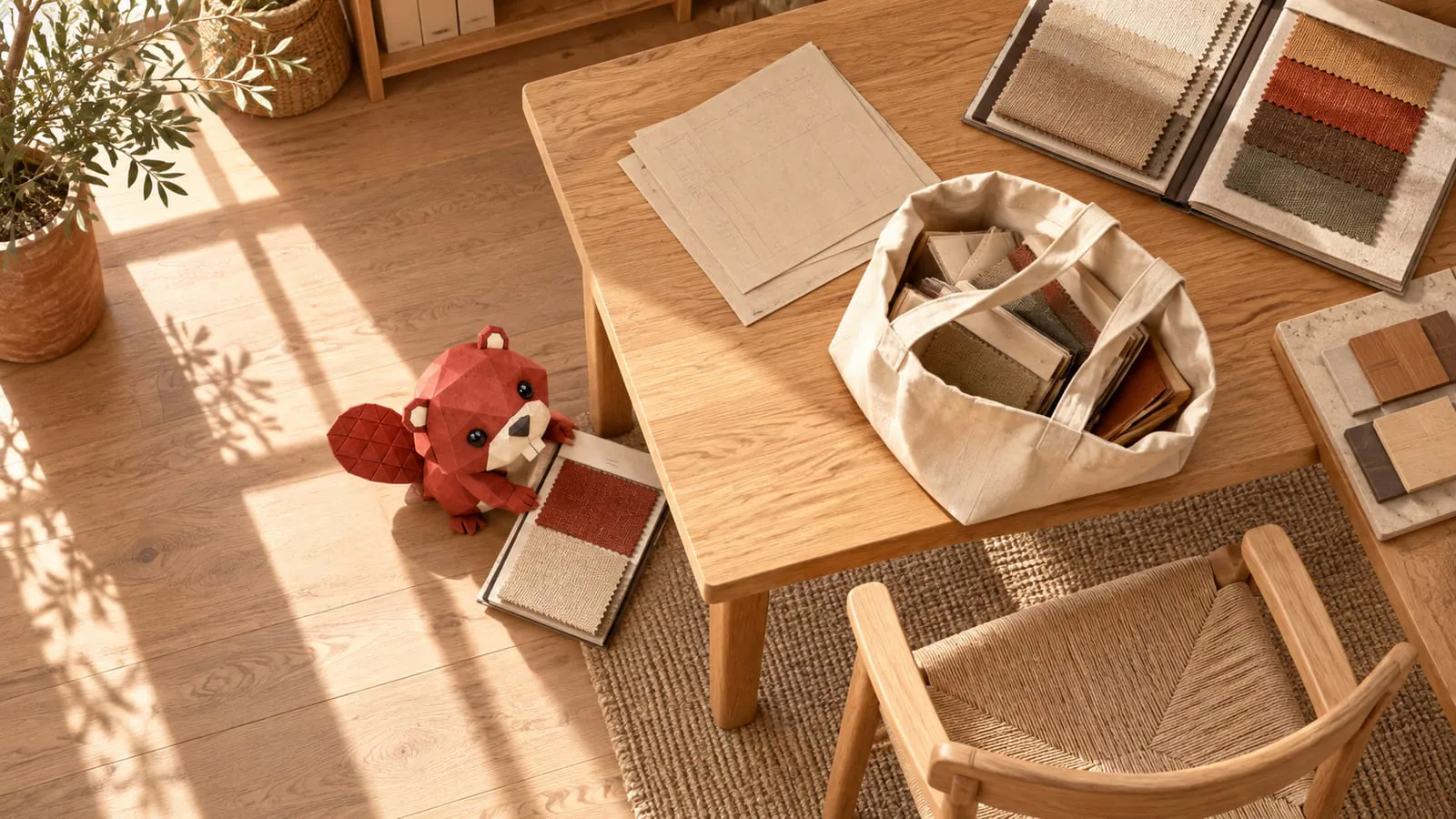
The market tote lands beside the desk: order forms, finish chips, a show special marked “Q3,” and a phone full of sofa photos. One photograph contains everything except the model number. The tote has done its job. It should not become the purchasing system.
Use the first two weeks after market as a working schedule for turning every commitment into a clear PO and every unanswered question into an assigned follow-up. That is a suggested store routine, not a vendor deadline. Earlier show-special or cancellation dates take priority.
Sort the commitments before creating another order
Start within the first 48 hours if you can. Separate orders already placed from quotations, samples requested, and pieces merely considered. Match every photo to the maker, model, configuration, and order form. A photograph of beautiful oak is not a SKU, however convincing the grain.
Make one working list by vendor. Record the agreed price, currency, quantities, destination, payment terms, surcharge wording, and promised window. Mark any missing signature or unclear commitment for the buyer who attended the meeting.
Enter POs before acknowledgment so the team can see what it believes it has ordered. Keep acknowledgment as a separate check. Waiting for the vendor's response before recording the commitment leaves an invisible gap in purchasing.
Set up the vendor and the catalog you can support
Add the vendor's contacts and minimums, then prepare the product templates and options needed to represent the purchased pieces accurately. OrderPilot validates a catalog spreadsheet before applying it, including row-level issues that need attention. Import the whole catalog when the source file is reliable and your team intends to sell it. Start with the purchased collection when the rest needs cleanup or training. Either choice should leave complete configurations for the pieces already ordered. Use the vendor price-book import guide for the larger catalog job.
Keep a show-special purchase cost separate from a permanent catalog price change. Save the negotiated terms with the PO and ask the vendor to acknowledge them. A later price sheet does not explain whether a booth discount, freight allowance, or surcharge was included.
Record stock purchases and customer commitments correctly
Use standalone POs for stock bought at market. Configure the pieces from their templates, with the exact fabric grade, dimensions, and finish. For items already sold to customers, use the purchasing flow linked to the sold specification, so the customer commitment stays attached to the purchased units. When an order was already placed at the booth, use the supported confirm-as-sent flow and attach the show order form. Identify the original vendor reference and placement date. Sending the same paperwork as a fresh order risks a duplicate; confirming an externally placed PO gives that handoff its own record.
Turn “Q3” into a dated question
A broad ship window needs clarification before it becomes a delivery promise. Ask whether the vendor means production completion, departure from the factory, or arrival at your receiving location. Those events can be far apart.
Say the show form lists an illustrative “Q3” shipment, while the store needs the pieces for an autumn floor reset. Preserve the original window in the PO notes and correspondence. Enter a requested delivery date that represents your actual request, then ask the vendor whether it can meet it. A date field should not silently turn an uncertain window into a confirmed arrival.
OrderPilot has a requested delivery date rather than a separate expected-date field. Keep the vendor's acknowledgment and any revised window in the PO conversation, where the team can distinguish the request from the answer.
Compare the acknowledgment with the show form
Review each acknowledged line for configuration, quantity, price, terms, destination, and timing. Resolve discrepancies in writing and keep the vendor's agreement with the record. A corrected PO is useful only if the vendor recognizes which version governs.
Published maker terms show why this matters: Allied's terms require order changes in writing and make them subject to acceptance. Your own vendor's terms govern the order you placed.
With reply capture configured, vendor replies and attachments land on the OrderPilot PO. Assign the unresolved questions and follow the acknowledgment review until each commitment has a usable answer.
Give the floor the information needed to sell
Brief the sales team on the pieces bought, their configurations, swatches, purchase purpose, and confirmed timing. Option lead time appears on the template page and Admin order line, and in the online options block when enabled; it does not print on the quote PDF or PO. Give staff the vendor's current answer for customer conversations.
Before closing the market follow-up, review:
- Every placed order has a PO and original form.
- Every photographed piece has an identified model and configuration.
- Show pricing and surcharge terms are acknowledged.
- Requested delivery dates are distinguished from vendor promises.
- Catalog records are ready for the pieces the floor will sell.
- Unresolved items have an owner and next follow-up.
Carry the lessons into the next market-preparation checklist. An orderly return starts with the information you collect while still in the showroom.
Sources
- Price guide: terms and conditions — Allied, published by New York State Office of General Services.
An order written at market is already a commitment. Give it a record before giving it another email.













