Turning on warranty: setting your first coverage defaults
Start with the store's actual promises, add the exceptions, and test a product's resulting coverage before it reaches a signed quote.
The OrderPilot team·
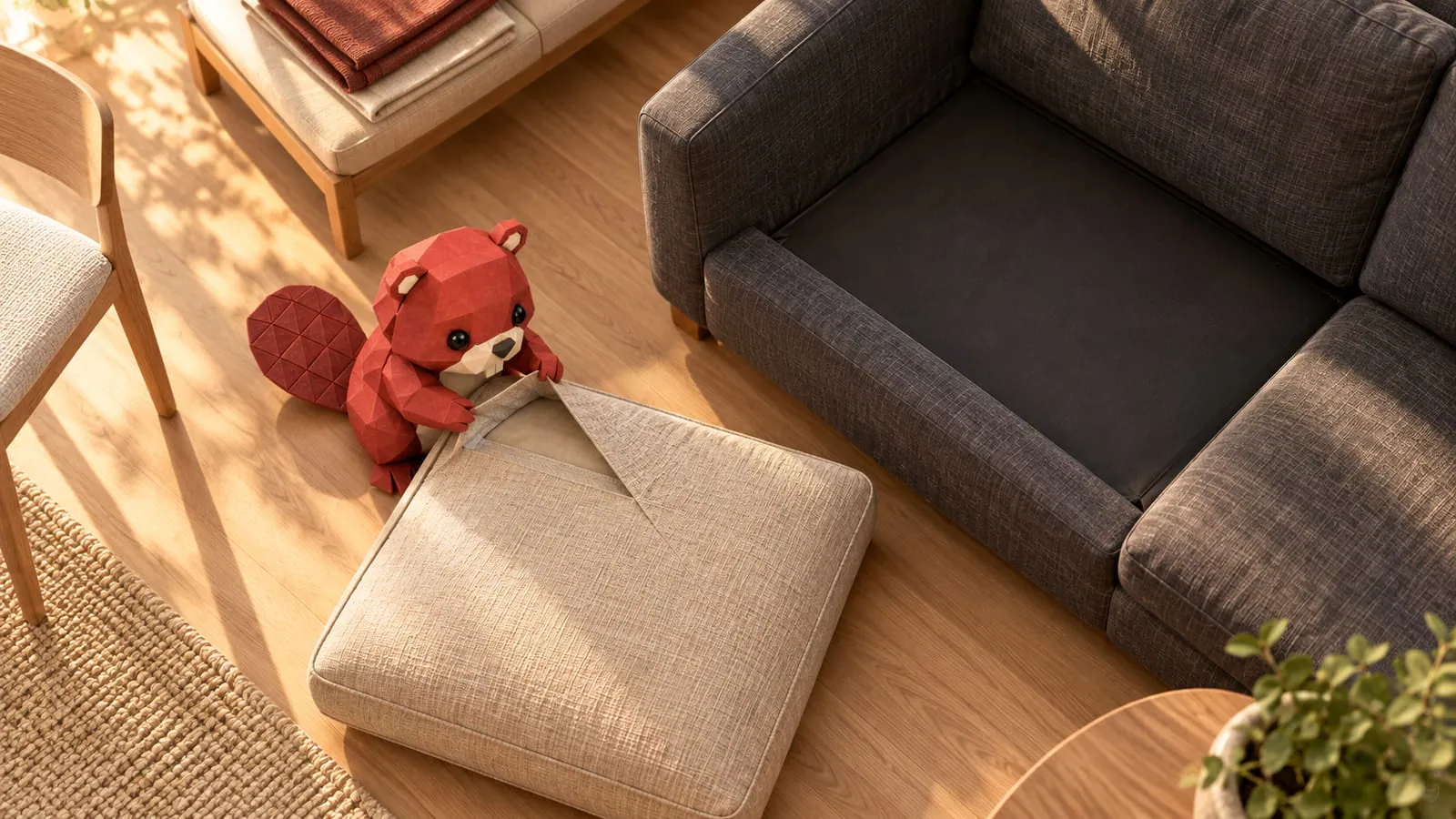
“Is it still under warranty?” In an illustrative sale, the sofa was ordered in March, delivered in July, and developed a split seam the following June. The answer needs the terms sold with that piece and the date its coverage started, not just the date at the top of the order.
OrderPilot's optional warranty module records those terms and starts coverage for each unit when it is delivered or collected. Set the broad defaults first, add the differences that matter, and use Check a product before the first covered quote goes out.
Start with the promises the store already makes
Warranty setup begins with the store's approved coverage, not a period chosen because it looks sensible in a settings field. Gather the store terms and the first vendors' coverage documents, including exclusions and any different treatment for components.
Open Settings › Products › Warranty coverage and work through the setup. You can leave the module off until the store is ready to maintain the information. If coverage or an extended plan is part of the sale, settle that setup before promising it to a customer. Give one person responsibility for keeping the defaults current. The first-week setup plan can leave advanced service work for later, but the basic promise needs an owner whenever the store sells it.
Separate the frame from the fabric where the terms differ
Product and option terms let coverage describe different parts of the same piece. A frame promise does not automatically establish the term for a fabric or mechanism.
Suppose the store's approved wording gives fabric and workmanship one year and the frame five years. Enter those as distinct coverage terms rather than advertising the whole sofa as covered for the longer period. These example periods are not recommendations or vendor facts. Read the result as a customer. They should be able to recognize what is covered and what the period refers to. A frame and a slipcover are close companions, but they need not share a calendar.
Add vendor differences, then check the resulting product
OrderPilot resolves coverage through the store, vendor, category, template, product, and individual line levels, with exclusions and locks affecting the result. The useful task is to inspect the final coverage, not assume that the longest term anywhere always wins. If a vendor offers a longer term, decide how that promise fits the store's customer-facing coverage and service responsibility, then enter the supported override. Keep the vendor document available to staff. A maker's promise and the store's own service promise should not be casually merged into a broader claim.
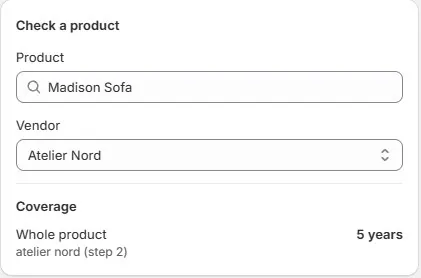
Use Check a product on the sample Madison sofa after entering the defaults and overrides. Choose its vendor too: the check shows the term that wins and the step it comes from. The coverage hierarchy guide explains the detailed relationships.
Start each unit's clock at its actual handover
OrderPilot starts coverage at delivery or collection for each physical unit. An order date is not a substitute, and installation is not the standard start event.
If the customer collects the sofa months after placing the order, record the actual collection. If the sofa and ottoman arrive separately, each unit needs its own accurate handover. The delivery-start guide follows that timing through a sale.
In the March-to-July example, the July delivery is the starting point for the recorded unit's coverage. A later service decision still needs the sold terms and reported issue, rather than a conclusion based solely on the elapsed months.
Preserve what the customer bought
Signed documents freeze the terms sold with the piece and any included plan. Changing a default for future business does not rewrite that stored signed agreement.
Review the sample signed document and the delivered order's portal coverage together. The customer should see the promise attached to their purchase, while staff can find the record needed to answer a later question. Where an exception is needed, handle it deliberately through the supported process. The exclusions, overrides, and goodwill guide separates applying coverage from choosing to help outside it.
Keep the first worksheet small and complete
Extended plans, serial-number rules, and a detailed claims routine can be separate workstreams if the first sales do not require them. Use the protection-plan guide before offering a paid plan.
| Decision | Record before selling coverage |
|---|---|
| Store default | Approved promise and exclusions |
| Category differences | Which pieces need a different baseline |
| Vendor differences | Source terms and the intended customer promise |
| Component terms | Frame, fabric, or other parts covered differently |
| Locks and overrides | Who may change the result and why |
| Handover | Who records each unit's delivery or collection |
| Product test | The coverage shown by Check a product |
Finish by reviewing coverage by vendor, category, product, and option against the actual pieces the store sells. A short, accurate set of defaults gives the next service conversation somewhere reliable to begin.
Record the promise sold with the piece and the day that piece went home.













