When a product changes after you quote: options that are no longer offered
A retired fabric shouldn't become a mysterious error or an unnoticed substitution. Resolve the choice while preserving what the customer originally considered.
The OrderPilot team·
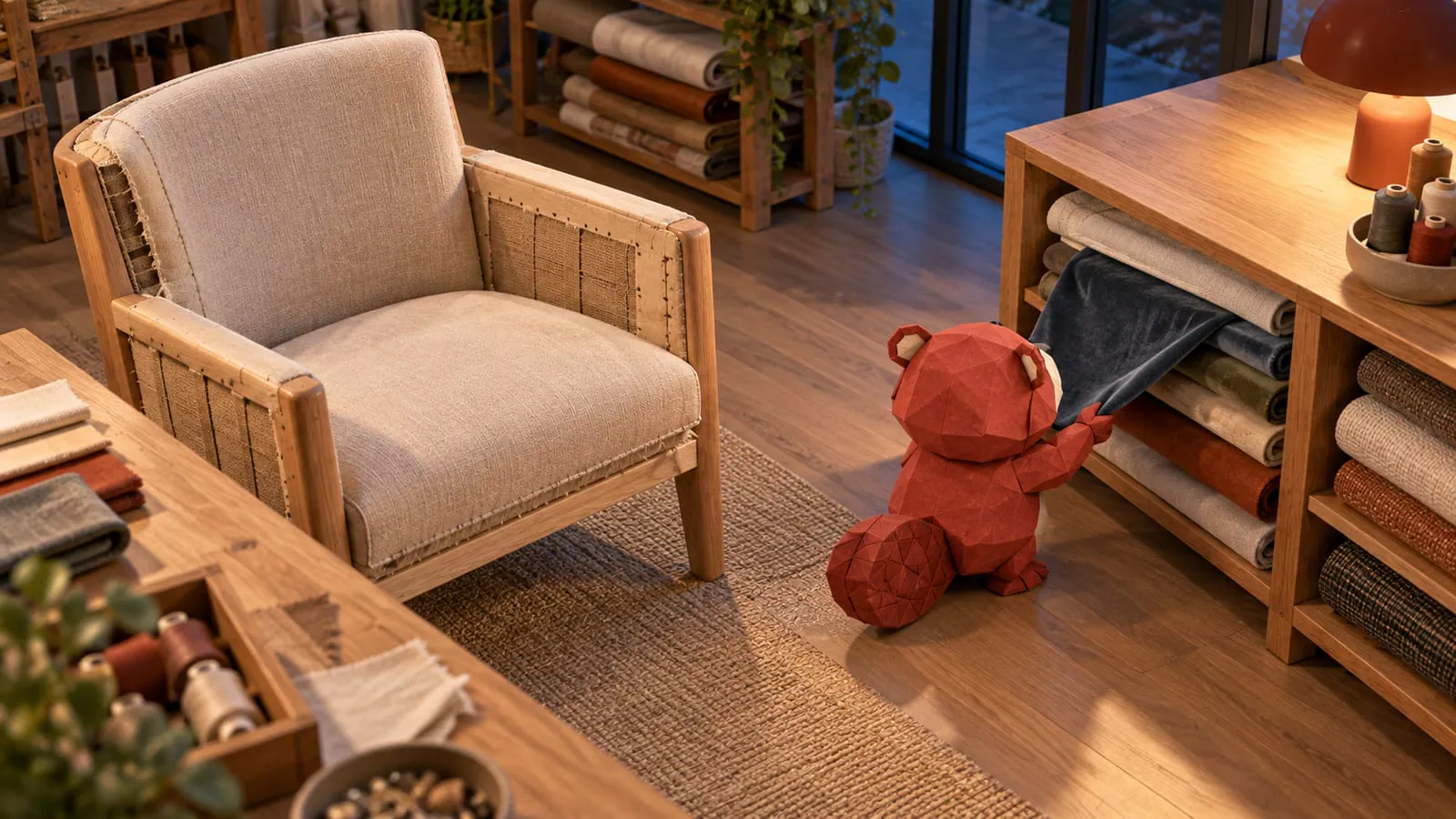
The vendor dropped slate velvet in September. An August draft still contains it, and the customer hasn't chosen an alternative. When the associate opens the draft on Saturday, the useful response is a clear flag beside the choice and a conversation about what comes next.
OrderPilot flags selections that are no longer offered on saved drafts before the quote or order is created. The associate resolves the affected option before proceeding, while the draft keeps the earlier choice until that decision is made.
Why can an old draft contain a missing choice?
A draft records a conversation at a particular point in the catalog's life. Since then, the vendor may have retired a fabric, the store may have removed a finish, or a product rule may have stopped a combination from being offered.
The last case matters. A finish can still exist in the catalog but no longer be available on this leg or frame. “The option is there somewhere” doesn't establish that the quoted combination can be made.
Use product templates to represent those choices consistently. A swatch book is useful evidence of color; its continued presence on the shelf is a rather optimistic inventory policy.
What does the associate see on the draft?
The affected option opens without an active selection and with a reason explaining why the saved value no longer fits. Create Quote or Create Order waits for a valid choice. Where the option is optional or no longer applies, Leave empty provides the appropriate route.
Saving the work as a draft preserves the old value rather than silently substituting another fabric. That gives the associate room to speak to the customer before finalizing the replacement.
This check has a defined scope: it concerns saved drafts before Create, rather than rewriting already-sent quotes or placed orders. Those records retain what was quoted or sold.
What should you tell the customer?
Offer real alternatives and identify the differences. A useful sample call is:
The maker has retired the slate velvet in your draft. I've found a charcoal velvet and a slate woven fabric that are still offered. Would you like to compare the texture and color before we revise the quote?
The alternatives aren't interchangeable just because both are dark. Review the feel, exact color, price, and expected timing. Confirm the chosen replacement in writing, then send the revised quote before asking for agreement.
If timing changes, state the checked estimate explicitly. OrderPilot's option lead time appears on the admin line, but it doesn't automatically print on the quote PDF. The backorders and discontinued-fabrics playbook covers the longer vendor conversation when an alternative isn't straightforward.
What happens to placed orders and existing links?
A placed order keeps the original specification. Retiring the catalog option doesn't tell you whether the vendor already allocated fabric for that order. Purchasing should confirm the affected orders with the vendor before promising a substitution.
An existing quote link can still show the saved, quoted choice. Preserving the record matters, but it isn't a promise that the maker can still supply it. Staff need to review availability when reviving an old offer and explain any proposed change to the customer.
If a signed order needs a customer-facing revision, the revised agreement needs the customer's fresh approval. Keep the old signed record rather than trying to make the original fabric disappear from history.
How do you remove the choice from future sales?
Retire the value in the catalog structure that supplies the affected templates. A shared option bundle lets the team maintain a common list instead of removing the same velvet from many products by hand.
Review the affected template, POS choices, and online options after the catalog change. See retiring a fabric everywhere for that housekeeping routine.
There isn't an evidenced “all drafts using this retired value” report to promise here. Search by the affected product or SKU, use the known sales records, and inspect the saved choices. If the vendor brings the fabric back, verify its identity and current terms before offering it again; don't automatically replace alternatives customers have since approved.
Return to the be-back playbook once the choice is resolved. The next message can then be about the customer's room again.
Preserve the old choice. Ask before making the new one.













